When teams evaluate AI agent platforms, "the agent can fetch a URL" sits near the top of every feature checklist — and it shouldn't carry much weight, because everyone can do it. The Claude API can do it. OpenAI's agent tools can do it. A dozen scraping APIs can do it. A junior engineer can wire it up with twenty lines of Python on a Friday afternoon.
So if reading a web page is table stakes, what actually separates a demo from an enterprise capability?
Three things, and none of them appear on the checklist: where the fetch runs, what model it serves, and how it is governed. Bud's native Web Fetch tool was built around those three questions, and they turn out to be the questions that decide whether an agent ever makes it past a security review.
What Web Fetch does, briefly
Web Fetch retrieves a single URL on the agent's behalf and hands the model back clean markdown it can read directly. The path is deliberate and inspectable.
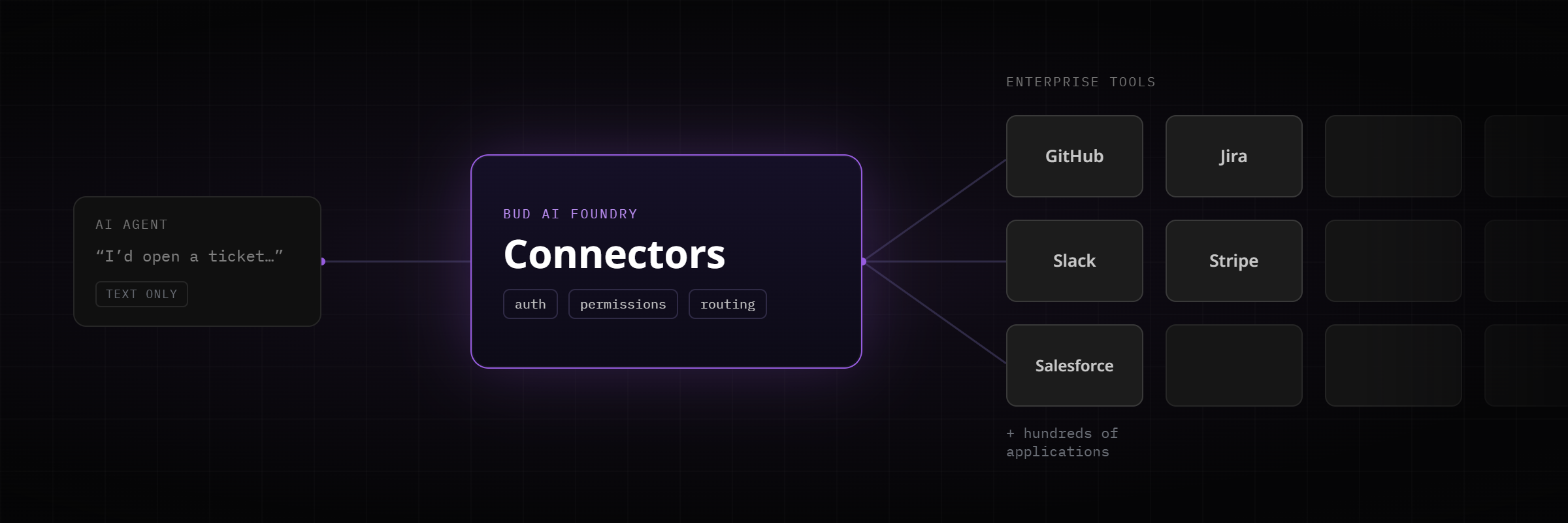
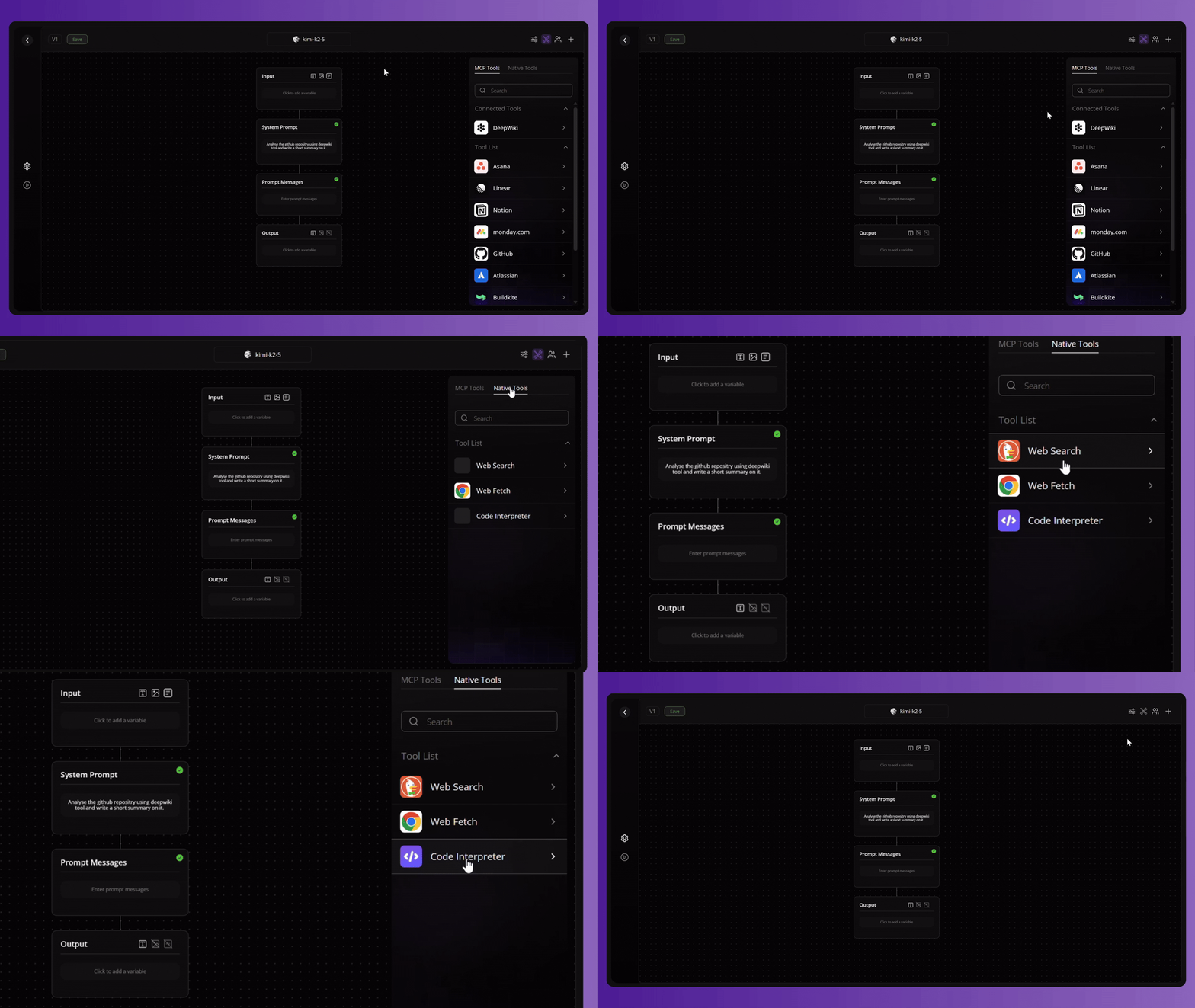
In Bud's native toolset it sits in the middle of a natural pipeline: Web Search discovers candidate URLs, Web Fetch reads the chosen ones, and Code Interpreter parses or computes over them when structured extraction is needed. That composition matters, but the design decisions inside Web Fetch matter more, so let's stay there.
The first question: where does the fetch run?
Most fetch tools answer this question for you, and the answer is "our cloud." Anthropic's web_fetch runs on Anthropic's infrastructure. The popular scraping APIs — Firecrawl, Bright Data, ScrapeGraphAI, Tavily, Jina Reader — route the page through their servers before it ever reaches your model. That is fine for a consumer app or an internal prototype. It is a non-starter for a bank, a government department, or any enterprise where the content an agent reads is itself sensitive.
Bud Web Fetch runs inside your own egress path. The content of what your agents read never transits a third party. There is no scraping vendor in the loop and therefore no new entry in your supply-chain risk register. And because the tool is native to the platform rather than a hosted capability, it works in on-premise, private-cloud, and fully air-gapped sovereign deployments — environments where cloud-vendor fetch tools and SaaS scrapers cannot operate at all, by definition.
With allow_local_urls deliberately enabled in a controlled deployment, an agent can read internal intranet pages, wikis, and document portals that never touch the public internet. A cloud-isolated fetch tool has no route to your intranet; that isolation is the whole point of it. For a sovereign deployment, internal reach is a feature you can only get from a tool that lives where your data lives.
The second question: what model does it serve?
Vendor-native fetch tools are locked to the vendor's own model family, and often to specific model versions, and often behind a beta header. That coupling is invisible until the day you want to run an open-weight model, a small language model, or a CPU-native model — and discover the convenient fetch tool doesn't come with you.
Bud Web Fetch is model-agnostic. The same tool serves whatever model you've deployed, which is exactly what you'd expect from a platform whose entire thesis is hardware- and model-agnostic AI. You are not trading your model strategy for a retrieval convenience.
The third question: how is it governed?
This is where home-grown fetch tools quietly fail their first security review. Server-Side Request Forgery — tricking an agent into hitting 169.254.169.254 or an internal admin endpoint — is one of the most common and most damaging classes of agent vulnerability, and a requests.get() wrapper does nothing to prevent it.
Web Fetch treats this as the default posture rather than an advanced setting.
- SSRF protection out of the box. It refuses to fetch URLs that resolve to private IPv4 ranges and IPv6 loopback and link-local addresses, protecting the internal services that share the egress path with the agent.
- Explicit, auditable domain governance. Set
allowed_domainsand the tool operates in whitelist mode, reachable only for the hosts you name; addblocked_domainsand that denylist applies on top. Matching is exact —example.comdoes not silently grant access todocs.example.com— so there are no wildcard surprises for a compliance team to discover later. - No persistent cache. Every call hits the live source and nothing is retained by the tool layer, which means no stale-content liability and a clean retention narrative.
- Failures never fall back silently. A blocked URL, a timeout, or a network error surfaces to the model as a tool error, so the agent can try another source, ask the user, or stop.
That is behaviour you can reason about, test, and certify, rather than a black box that sometimes returns nothing and sometimes returns something it shouldn't.
Because the markdown returned to the model is treated as untrusted by design, Web Fetch is meant to be paired with Bud's guardrail layer whenever an agent operates autonomously over an open URL space — closing the loop between "the agent can read the open web" and "the agent reads the open web safely."
The honest competitive picture
It would be easy to claim Web Fetch beats everything, and technical buyers would stop reading. So here is the real shape of it.
If you need to crawl thousands of JavaScript-heavy pages, render dynamic single-page apps, or run large multi-page extraction jobs, a dedicated scraping API like Firecrawl is the right tool, and Web Fetch is not trying to be that. Web Fetch is a single-URL, static-fetch primitive; pair it with Code Interpreter when you need parsing. The two approaches are complementary.
The large majority of enterprise retrieval is not large-scale crawling. It is a governed agent reading a known, single source — a policy page, a regulatory bulletin, a competitor's product page, a published help-center article, a vendor PDF — inside strict boundaries. For that work, which is most work, routing the page through a scraping SaaS adds data egress, a per-call bill, and a vendor dependency you didn't need. Web Fetch removes all three.
Against the convenient vendor-native tools, the trade is just as clear. They optimise for friction-free use inside one cloud and one model family. Web Fetch optimises for the things a hosted tool cannot give you: sovereignty, model freedom, internal-network reach, and a data boundary that doesn't move.
Letting an agent read a web page is a feature. Letting your agent read the web — and your intranet — on your own infrastructure, with any model, with SSRF protection and domain governance built in, and with nothing leaving your boundary, is an enterprise capability.
The checklist measures the first. The security review measures the second. Bud Web Fetch was built for the second.
- Where it runs: inside your own egress path — no scraping vendor in the loop, and it works in air-gapped sovereign deployments where hosted fetch tools cannot operate at all.
- What it serves: any model you have deployed, open-weight, small, or CPU-native — no coupling to one vendor's model family.
- How it is governed: SSRF protection by default, exact-match allow and block lists, no persistent cache, and errors that surface rather than fail silently.
- It is a single-URL primitive, not a crawler. Pair it with Web Search to discover URLs and Code Interpreter to parse them.